Never Miss a Meeting Again
On Time automatically opens your Google Calendar™ meeting links one minute before they start. Simple, secure, and stays out of your way.
Add to Chrome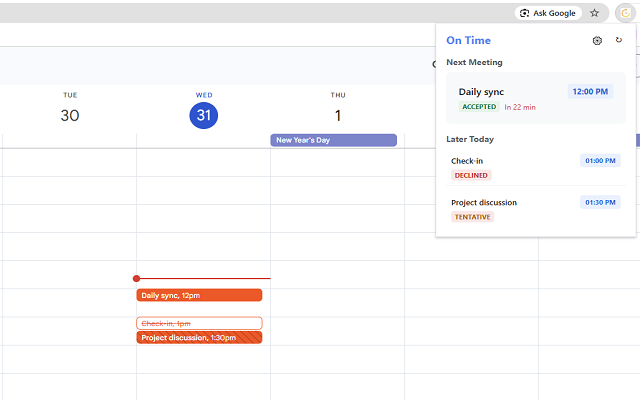
On Time automatically opens your Google Calendar™ meeting links one minute before they start. Simple, secure, and stays out of your way.
Add to Chrome
Detects meeting links (Meet, Zoom, Teams) and opens them automatically right before the scheduled time.
Your calendar data never leaves your device. We use standard Google APIs safely within your browser.
Intelligently finds links in location and description fields, handling various meeting platforms with ease.
If you're using a corporate Google Workspace account, your organization's IT administrator may have restricted access to third-party apps or the Google Calendar API.
To enable this extension for your organization:
Admin Console → Devices → Chrome → Apps & extensions and add "On Time -
Meeting Launcher" from the Chrome Web Store.Admin Console → Security → API Controls → App Access Control and add the
OAuth Client ID:792189130460-ocgob7va4iu294139labq29rvrtd0est.apps.googleusercontent.com
calendar.events.readonly scope.